
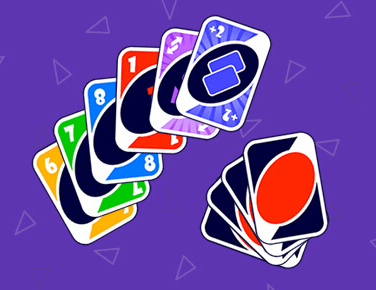

1. UNO 2022 Game Overview
Uno 2022 is a clean, complete Uno-style card game experience that delivers all the competitive hand-shedding action the series is known for — color matching, number matching, special card disruptions, and the race to empty your hand before opponents do — in a well-executed digital format with two distinct opponent modes.
The two modes are the game's structural foundation. Computer mode puts you against AI opponents — a consistent, reliable challenge environment where you control the pace and can develop strategic habits without the unpredictability of real-player behavior. Players mode connects you against human opponents — genuinely different personalities, styles, and strategies that make each match feel unique and keep you on your feet in ways AI opponents can't replicate. Both modes use identical Uno rules; the distinction is purely about who you're competing against.
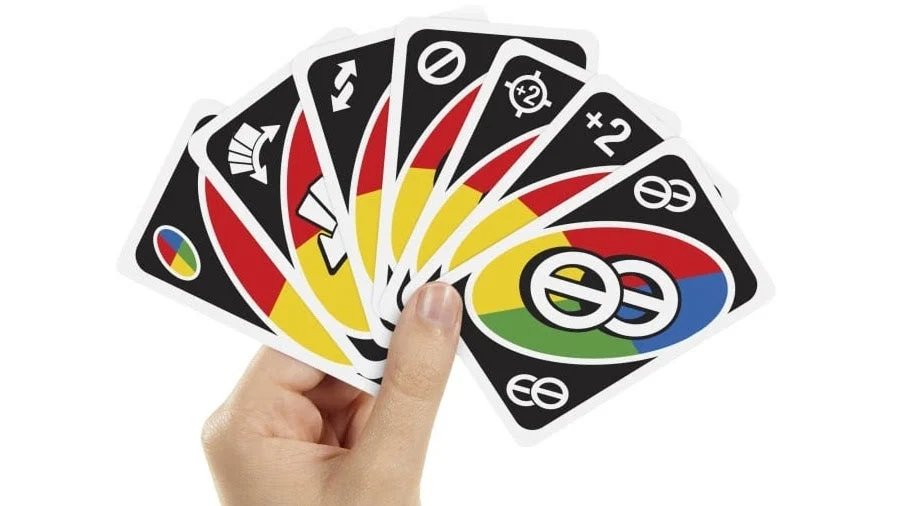
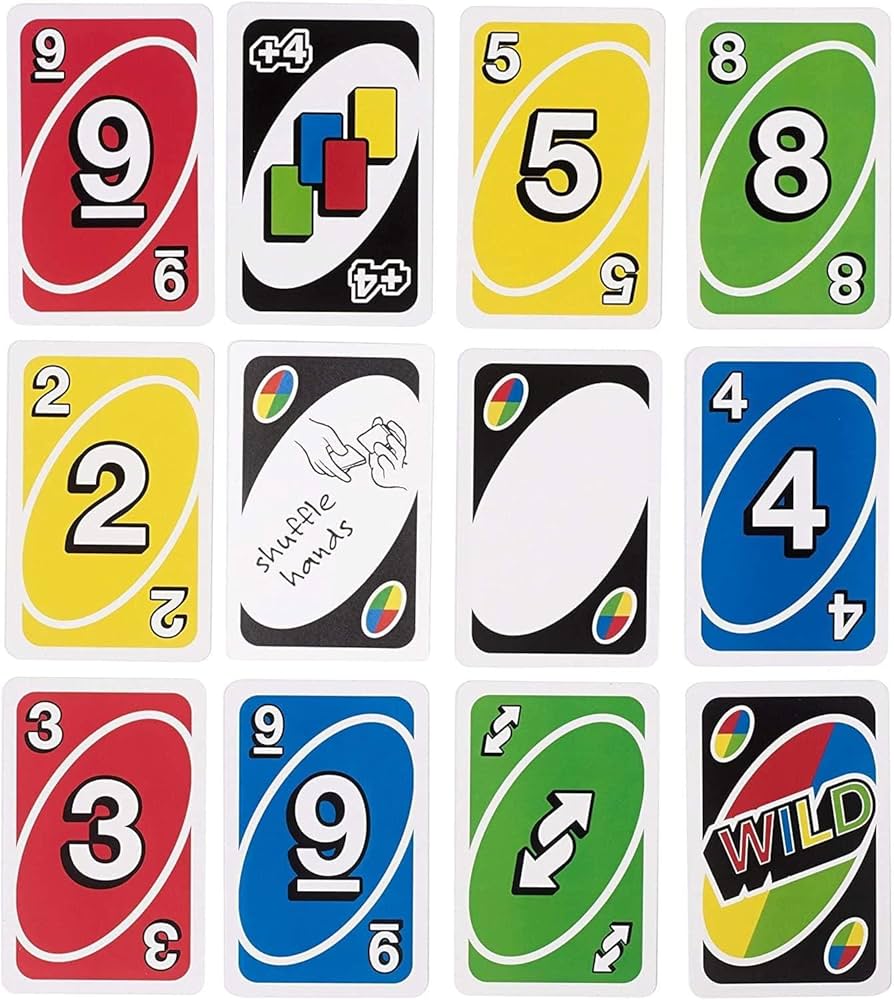
The special card suite is fully present and fully impactful: color-changing Wild cards give you declaration power at key moments; turn-changing Reverse cards redirect the play sequence; forbidden (Skip) cards cost opponents their turns at your most valuable times. Knowing when each special card creates maximum disruption — and holding them until those moments rather than playing them at the first opportunity — is the game's primary skill differentiator.
Losing a match doesn't end your Uno 2022 experience — you advance to the next match regardless, maintaining engagement and letting you apply each match's learnings immediately.
Key Details:
| Genre: | Card Game / Uno-style |
| Difficulty Level: | Easy to Medium |
| Average Play Time: | 10–20 minutes per match |
| Best For: | Uno fans who want a reliable, feature-complete implementation with both AI and human opponent modes |
2. How to Play UNO 2022
Getting Started:
- Choose your mode: Computer (vs. AI) or Players (vs. humans).
- Cards are dealt — each player receives a hand of colored number and special cards.
- On your turn, play a card matching the discard pile's current color or number.
- Use special cards — Wild (color change), Reverse (direction change), Skip (forbidden card, opponent loses turn) — at high-impact moments.
- First player to empty their hand wins the match.
Basic Controls:
- Click / Tap Card: Play a valid matching card from your hand.
- Click / Tap Draw Pile: Draw when no valid play is available.
Objective: Empty your hand before opponents. Match colors and numbers, deploy special cards strategically, and advance through matches regardless of win/loss outcome.
3. UNO 2022 Features & Highlights
- ✓ Two opponent modes — Computer mode for consistent AI practice; Players mode for real human competition
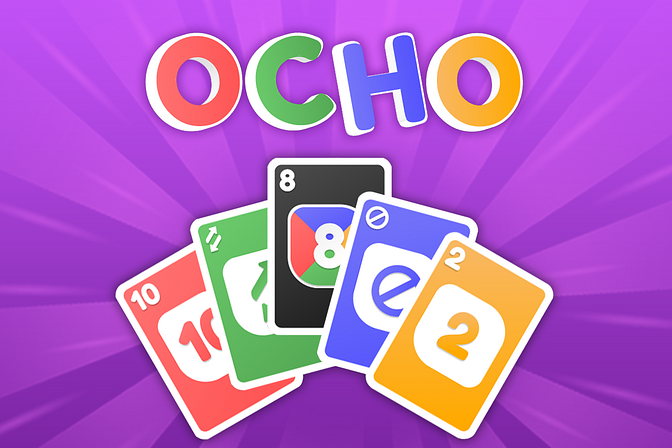
- ✓ Full special card suite — Wild, Reverse, and Skip cards each with distinct competitive impact
- ✓ Continue-after-loss structure — advancing after a loss maintains engagement across multiple matches
- ✓ Classic Uno gameplay — the universally familiar rule set requires no learning curve
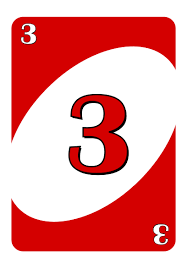
- ✓ Color and number matching — clean, readable card design for quick identification during play
4. UNO 2022 Tips & Strategies
Beginner Tips:
- Choose Computer mode first to develop special card timing. AI opponents are more predictable than human ones — use Computer mode to practice identifying the right moment to play each special card type before facing human opponents who can exploit poor timing.
- Skip cards are most valuable against near-winners. Using a Skip card on a player with 10 cards wastes its impact — Skip a player who's about to win. In Computer mode, the AI telegraphs its hand size; in Players mode, watch for players discarding frequently (signal of a thinning hand).
- Color declaration with Wild cards requires hand awareness. Before playing a Wild, identify which color you have the most of remaining. Declaring that color gives you multiple playable cards on your next turn rather than one.
Advanced Strategies:
- In Players mode, read opponent discard behavior. Human players' discard choices contain information about their hand composition. A player repeatedly discarding one specific color is likely running low in that color — declaring that color with a Wild forces them to draw.
- Hold Reverse for incoming attacks. A Reverse played just before a player who was about to Skip you or play Draw Two redirects the play sequence, potentially turning an incoming attack into a non-event. Timing Reverses reactively requires tracking incoming turn order.
- Build toward zero cards before playing your last special card. Reaching one card with a Wild or Skip still in hand puts opponents in a difficult position — they know you'll win next turn unless they can disrupt you, but your special card can counter their counter. The combination of near-empty hand plus held special card is the strongest position in the game.
What to Watch Out For:
- Players mode opponents playing more creatively. Human opponents use special cards in less predictable timing than AI. A Reverse or Skip from a human player at an unexpected moment can disrupt a plan the AI would have executed more mechanically. Maintain flexible contingencies in Players mode that you might not need in Computer mode.
- Forgetting that losing advances you. Some players hesitate to try aggressive strategies because they're afraid of losing. Losing in Uno 2022 simply advances you to the next match — experiment freely.
5. UNO 2022 Game Elements Explained
The Two-Mode Structure: Uno 2022's Computer and Players modes create two genuinely different competitive experiences rather than simply varying difficulty. Computer mode provides AI opponents with consistent, readable behavior patterns — the AI follows rules predictably and doesn't deploy creative psychological play. This consistency makes Computer mode ideal for developing strategic habits, testing special card timing, and building Uno mechanical fluency without variable human unpredictability. Players mode introduces real human opponents whose strategies, personalities, and card-play choices are genuinely varied — some players bluff with Wild card declarations, some target specific opponents strategically, some play reactively while others plan several turns ahead. The shift from Computer to Players mode is a change in competitive character, not just difficulty level.
The Special Card System: Uno 2022's special card suite is the game's primary tactical dimension beyond basic color and number matching. Wild cards provide unrestricted color declaration — you choose what color play continues in, regardless of your current hand composition. This is the game's most flexible resource: a Wild played when you hold six blue cards that are otherwise unplayable is one of the highest-value single plays available. Reverse cards change the play direction — clockwise becomes counter-clockwise, and vice versa. Their value is highest when used to intercept an incoming play from a specific opponent, or when reversing direction toward a player with many cards rather than one with few. Skip (forbidden) cards remove an opponent's turn entirely — most valuable against players approaching zero cards, but also useful as a positional tool in multi-player matches.
The Advance-After-Loss Structure: Uno 2022's design decision to advance players to the next match after a loss creates a continuous engagement experience that avoids the frustration-and-quit pattern many competitive games produce. In games where losing means starting completely over, a single loss can end a session. In Uno 2022, each match is a discrete event and the broader experience continues regardless of outcome. This structure makes the game more forgiving for newer players developing their strategy and more appealing for competitive players who want multiple matches per session rather than a single high-stakes game.
6. UNO 2022 Frequently Asked Questions
Q: What's the difference between Computer mode and Players mode?
A: Computer mode puts you against AI opponents with consistent, rule-following behavior. Players mode connects you against real human opponents who play more creatively and unpredictably. Both modes use identical Uno rules — the distinction is purely who you're competing against.
Q: What do the special cards do?
A: Wild cards let you declare any color for the next play. Reverse cards change the direction of play (clockwise to counter-clockwise or vice versa). Skip (forbidden) cards cause the next player to lose their turn.
Q: What happens if I lose a match?
A: You advance to the next match. Losing doesn't end your Uno 2022 session — it simply moves you to the next competitive opportunity.
Q: When should I use a Wild card?
A: When you have several cards of one color that you want to make immediately playable, or when no other card in your hand is a valid play. Avoid using Wilds when you have other valid plays unless the color change provides a significant advantage.
Q: Is Uno 2022 available on mobile?
A: Yes — the tap-to-play interface works on mobile devices and the game runs in browser environments without requiring a download.